> ## Documentation Index
> Fetch the complete documentation index at: https://docs.nocnoc/llms.txt
> Use this file to discover all available pages before exploring further.
# Sending packages
> Learn how nocnoc's two-tier package model works and how to register shipments.
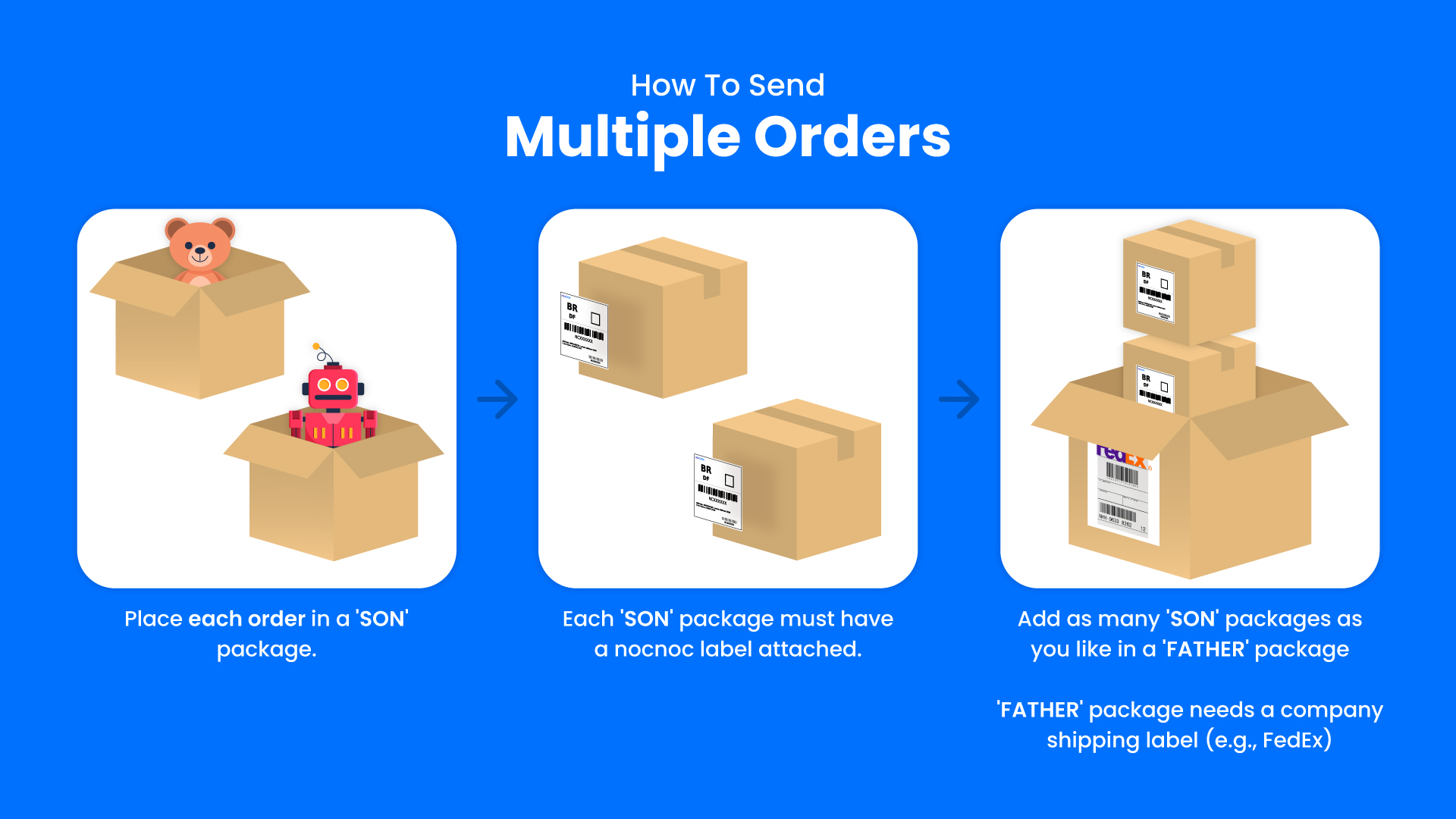
nocnoc manages shipments using two types of packages: **Son** and **Father**.
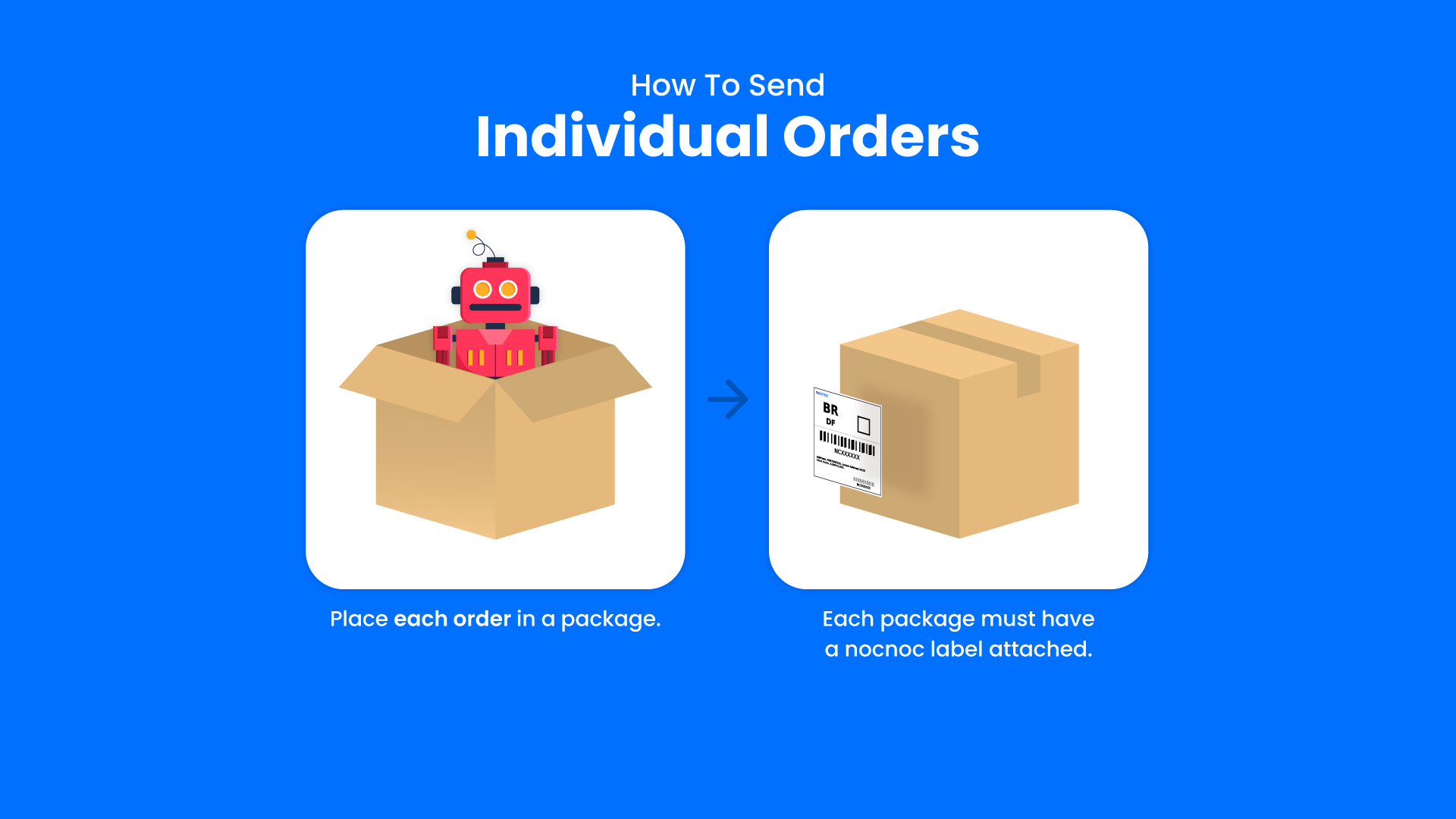
* A **Son package** represents a single order ready to ship.
* A **Father package** consolidates multiple Son packages into one bulk first-mile shipment.
## Individual shipment
When you have a single order to ship, create one Son package for it.
 ## Consolidated shipment
When you have multiple orders ready to ship together, create a Son package per order and then group them into a single Father package.
## Consolidated shipment
When you have multiple orders ready to ship together, create a Son package per order and then group them into a single Father package.
 ## How it works
For each order you're ready to ship, call [Create Son package](/api/api-reference/packages/create-son-package) with the order reference ID, labels, and items.
If you're shipping multiple orders together, call [Create Father package](/api/api-reference/packages/create-father-package) with the Son package IDs. Skip this step for individual shipments.
## How it works
For each order you're ready to ship, call [Create Son package](/api/api-reference/packages/create-son-package) with the order reference ID, labels, and items.
If you're shipping multiple orders together, call [Create Father package](/api/api-reference/packages/create-father-package) with the Son package IDs. Skip this step for individual shipments.